Home Contact
Technical Support Area
Sage Accpac ERP/ACCPAC Advantage Series (Windows)
Check Data Integrity
PURPOSE
Checking data integrity is an
essential step in using your ACCPAC accounting software.
Checking data helps you discover if your accounting data is damaged.
Data integrity problems can happen in a number of ways, for example:
FREQUENCY
Micro Management Associates
recommends that you check the data integrity of ALL your data files at least
once a week. Doing so may reveal a
data integrity problem before it becomes serious and un-fixable avoiding
possible re-entry of data. You
should also check data integrity any time you freeze or lock-up while in a
module requiring a reboot.
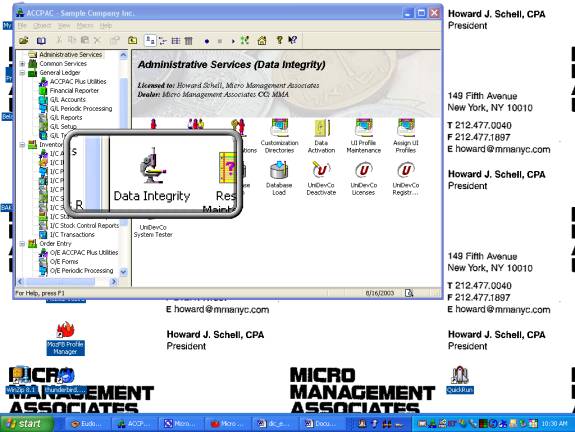
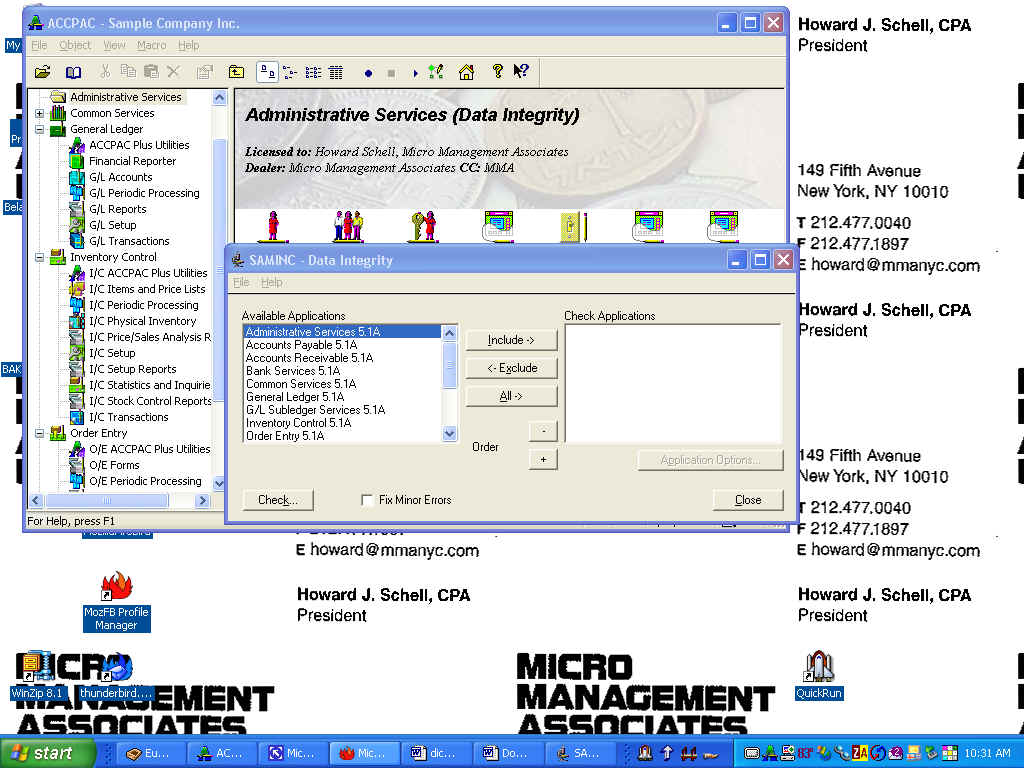
PROCEDURE
If you find errors in
your data, please call Micro Management Associates immediately at (212)
477-0040.